
If you run a business in Port Charlotte, Punta Gorda, or North Port, you need simple ways to keep your team informed and productive. The benefits of employee portals make them a practical way to get there. A staff portal built into your WordPress website gives your team one login for the files, forms and news they need every day.
What is an Employee Portal?
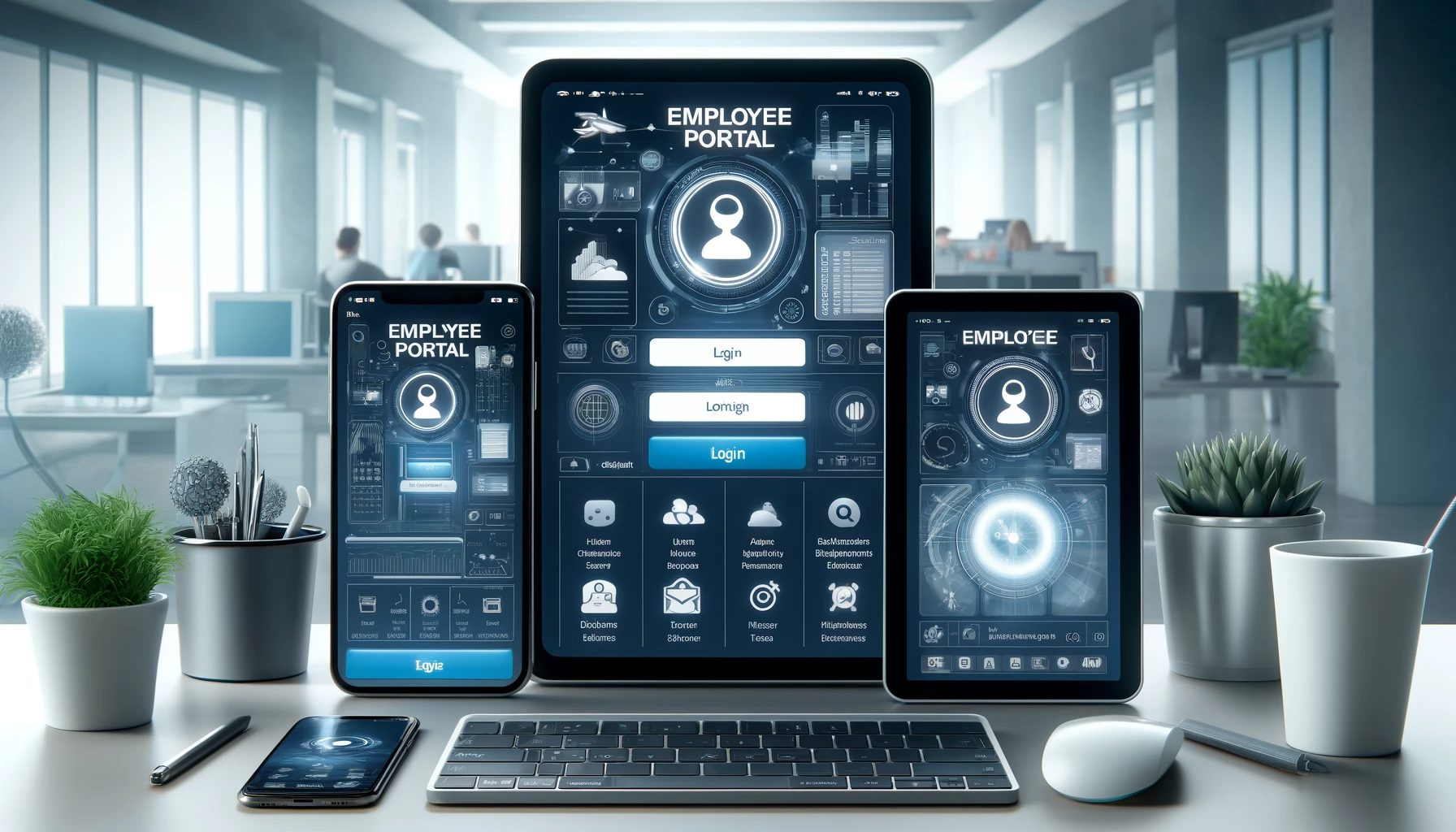
An employee portal is a private, password-protected area of your website. Only your staff can log in. Inside, they find handbooks, forms, schedules and company news, and they can update their own details. At Vontainment, it’s a core part of our website services.
We build the portal into your existing WordPress site, so you don’t pay for a separate platform. A portal built into your website also means staff stop jumping between email, shared drives and text threads to find answers.
Benefits of Employee Portals for Your Business
The benefits of employee portals show up in daily work, in how your team talks and in how much time HR spends on repeat questions. Here’s what a well-built portal does for you.
1. All Your Info in One Place
Policies, handbooks, forms and news live in one spot. Staff know where to look, so they stop asking HR the same questions. Everyone works from the current version of each document, not an old copy saved to a desktop.
2. Self-Service Tools
Staff can update contact details, request time off and download documents on their own. Your office handles fewer routine requests. Records also get more accurate, because people enter their own info instead of passing it along on paper.
3. Time and Attendance Tracking
Staff can request leave and check their own records in the portal. Managers see who’s out at a glance and plan shifts from real numbers. Tools like WP ERP include attendance and leave tracking in their HR module.
4. Reviews and Training Tools
You can post training videos, checklists and review forms where staff can reach them any time. Managers and staff track goals in one place. New skills become part of the job instead of a once-a-year event.
5. Easier Hiring and Onboarding
New hires can read the handbook, sign forms and watch training before their first shift. That shortens the paperwork on day one. Your HR person gets to spend that time actually meeting the new hire.
6. Better Team Communication
Announcements, discussion groups and private messages keep your team in the loop. Brokerages use the same idea in real estate management tools built for agents. Nobody misses a policy change because they were off the day it went out by email. A tool like BuddyPress adds member profiles, groups and messaging to WordPress. For shared files and team chat outside WordPress, Nextcloud is another option.
7. Compliance and Security
“Compliance” means following the legal rules for how you store and handle staff records. A portal keeps those records organized and easier to pull for an audit. You also control exactly who can open each page or file.
Portals use encryption to scramble private data in transit so outsiders can’t read it. That’s a real step up from a filing cabinet or a shared inbox.
8. Employee Engagement
Surveys and feedback forms give your team a simple way to speak up. You can use their answers to fix policies that don’t work. Shout-outs for wins and milestones also help morale, especially on teams spread across several sites.
9. Custom Setup and Data
We shape the portal to match how your business actually runs. A portal that fits your workflow gets used. You can also track which documents people open and which requests pile up, so you know what to fix next.
Benefits of Employee Portals for Southwest Florida Businesses
Some benefits of employee portals matter more here than up north. Hurricane season is the big one. When a storm knocks out power at your office, a portal hosted off-site still works from any phone. Staff can check closure notices, reopening plans and emergency contacts from wherever they rode out the storm.
Seasonal swings matter too. Many local businesses hire extra help when winter residents return. A portal lets you onboard a wave of new hires fast, with the same forms and training for everyone. Crews in the field, like cleaners, installers and techs, can reach schedules and job details from a phone.
WordPress Tools That Deliver the Benefits of Employee Portals
Plugins are add-ons that give your WordPress site new features. You don’t need a custom app to get the benefits of employee portals. These three cover the main jobs of a staff portal. We often combine two of them, depending on what you need.
- WP ERP: A free core plugin with HR, CRM and accounting modules. The HR side covers staff profiles, leave and attendance, plus a personal dashboard for each employee. Extras like recruitment come as paid add-ons.
- BuddyPress: A free, open-source community plugin. It adds profiles, groups, activity streams and private messages, so your team has a place to talk.
- MemberPress: A paid membership plugin. Its content access rules let you decide which staff can see each page or file, so private info stays private.
WordPress also has built-in user roles and capabilities. They control what each login can do, from reading a page to editing it. When a plugin doesn’t fit, we build the right tools for your process.
How We Build an Employee Portal
The benefits of employee portals only show up if staff use it. So we don’t start with plugins. We start with the questions your staff ask most. Here’s the order we follow on a typical small business build:
- List the top requests. We ask you and a couple of staff what they chase HR for each week. Those become the first pages.
- Map roles and access. We decide who sees what: staff, managers, owners. Pay and personal records get the tightest rules.
- Pick the plugins. We choose the lightest setup that covers your needs. Fewer plugins means fewer updates and fewer things to break.
- Lock it down. We set up HTTPS, strong passwords and multifactor authentication for every login. We also set up off-site backups.
- Test with a small group. Two or three staff try it for a week. We fix what confuses them before everyone logs in.
- Train and launch. We walk your team through it and hand you a short how-to guide.
Common Mistakes We See
The biggest one is loading the portal with every feature on day one. Staff get lost and go back to texting the manager. Start with three or four features people need, then add more. You’ll get the benefits of employee portals faster that way.
Another common mistake is skipping updates. A portal holds private data, so plugins and WordPress core need regular patches. Letting old staff accounts linger is a close third. Remove access the day someone leaves.
Where the Benefits of Employee Portals Stop
A portal isn’t the right fit for everyone. If you have three staff in one room, a shared folder and a group chat may do the job. The setup and upkeep only pay off once questions and paperwork start eating real time.
A WordPress portal also doesn’t replace your payroll provider. We keep items like bank details and tax IDs in the payroll system built for them, and link to it from the portal. Finally, a portal needs an owner on your side. Someone has to post updates and keep documents current.
Start Using the Benefits of Employee Portals Today
The benefits of employee portals come down to this: a staff portal saves your team time and cuts the back-and-forth with HR. If you’re in Southwest Florida, it also keeps people connected when storms or busy seasons shake up your schedule.
We focus on WordPress builds for local businesses, and we can design a portal that fits the way you work.
Ready to Get the Benefits of Employee Portals?
Contact us for a free consultation. We’ll help you plan a portal that supports your goals and grows with your team.
Benefits of Employee Portals: FAQ
Most teams see the benefits of employee portals once HR questions eat real time each week, or staff work across sites and shifts. A team of three in one room may do fine with a shared folder.
It depends on the features you need. WP ERP core and BuddyPress are free, while MemberPress and some add-ons need a paid license. We quote the build after we scope your needs.
Yes. We build every portal to work on phones and tablets, since many staff check it between jobs or from home.
It can be, if you set it up right and keep it updated. We use HTTPS, role-based access, multifactor logins and backups, and we keep the most sensitive records in your payroll system.

 Call Now